錯誤:「Failed to expand HAP file」/「Unable to load vas.dll Error code: -122」#
問題#
建立 VisualApplets .hap 檔案並嘗試在另一部電腦上執行該檔案時,可能會顯示以下錯誤訊息:
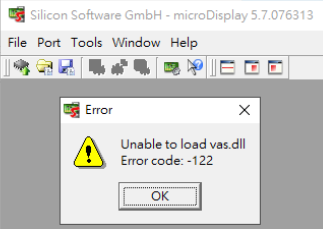
- 在 microDisplay: 「無法載入 vas.dll 錯誤代碼:-122」
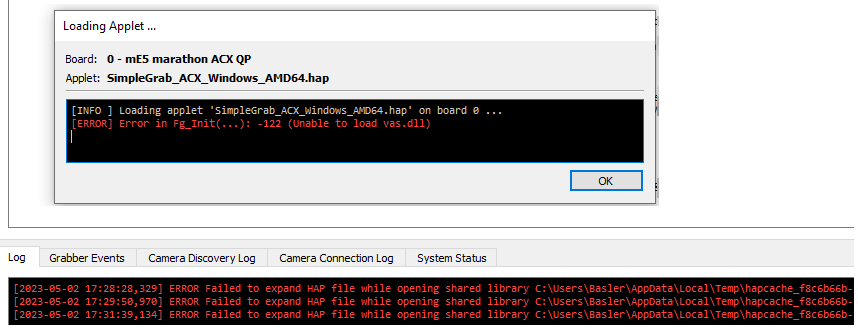
- 在 microDisplay X: 「ERROR Failed to expand HAP file while opening shared library …/vas.dll: The specified module could not be found.」
解決方案#
此 .hap 檔案可能是使用較舊的 Windows 版本建立,然後在較新的 Windows 版本(例如 Windows 10)上執行。
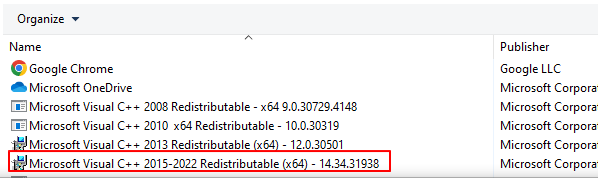
安裝「Microsoft Visual C++ 2015-2022 Redistributable (x64)」套件即可解決此問題: